
President FC: Football Club Owner · Manual
Next Match
Screen guide
Next Match — the pre-match hub for your upcoming fixture: opponent and win odds, team news, head-to-head, the gate forecast and your schedule and recent results in one place. Past games live under Match Report.
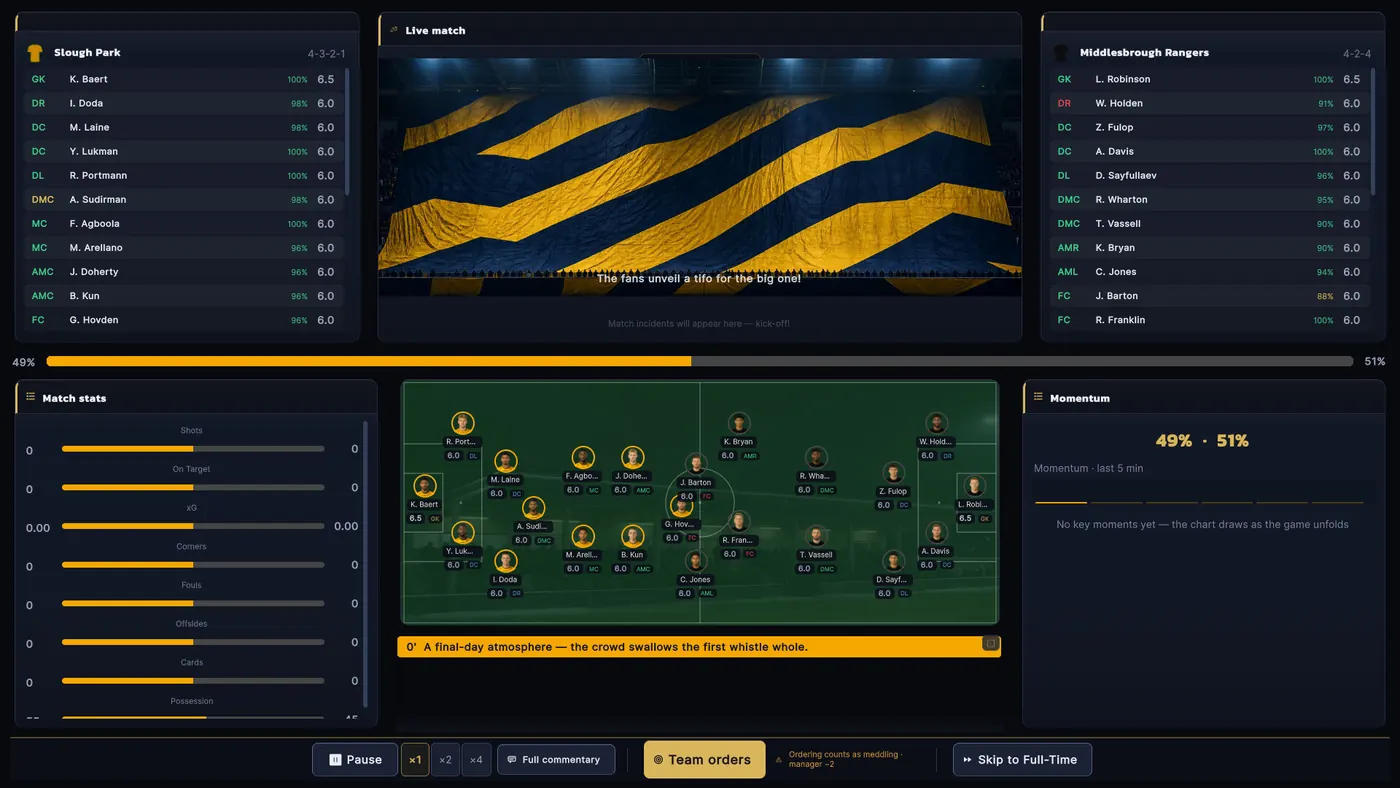
Next Match — hero card up top: the coming fixture, the countdown, the W-D-L forecast boxes and a Team Orders button · Left column — scouting the opponent (danger man, favourite style, head-to-head), the matchday takings forecast, then your recent results · Right column — team news for both sides and the fixtures still to come, with the friendly button underneath in July-August · Match Report — three columns: home team on the left (lineup with goals, assists, ratings and the pitch map), the match itself in the middle (big score, man of the match, minute-by-minute events and the stat comparison card), away team on the right · The match selector up top revisits older reports · The stat card has sub-tabs: stats / shot map / momentum, and deep numbers like xG and distance covered sit in tooltips — hover a player row to see them
"Team Orders" on the hero card opens the lineup table on a matchday, and your standing orders on any other day · In July-August you can arrange up to 2 extra friendlies from the bottom of the fixtures card · After the game, scan the ratings in the report to spot who's flying and who's become a liability
Next Match only shows the fixture ahead — to relive the last game click its score anywhere or open Match Report · Friendlies are arranged from the button here (max 2 a preseason)
Chapters
Generated from the game's help text (commit f61ca569d) · Matches game data version 2026.10